Photo & video
From product photo to finished campaign.
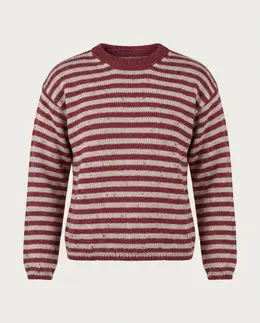
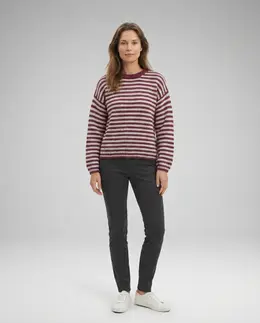
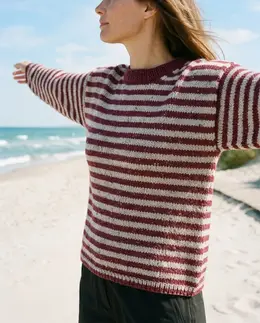
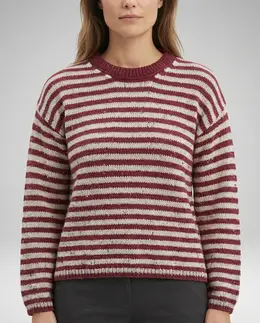
Elke turns raw product photos, even mobile shots, into professional packshots, on-model studio images, campaign visuals and short video clips. Everything is generated natively in the chosen format and resolution, gathered on the individual product card and run through an approval flow before it is exported to your systems.
How it works
From product photo to finished content, approved before anything moves on.
- 1
Import from multiple sources
Products come from Plytix and assets from Kontainer, or upload mobile photos directly. Everything gathers on one product card with status, media and version history.
- 2
Batch generation per angle
Elke generates one job per camera angle, front, back and close-up, in parallel. Category, formats and resolution are chosen before generation, and the image is created natively in the format with no later cropping.
- 3
Pipeline & approval
Generated content enters a pipeline with pending, approved and rejected plus bulk actions. Approved content is exported back to Plytix and Kontainer with automatic file naming.
- 4
Playground & styles
A sandbox to combine images and references in a free prompt, chat toward a result and save winning combinations as shareable styles.
The effect, in numbers.
AI copy, AI images and AI video against AI copy and the supplier's own photos. Everything else was the same.
- AI enhanced products5,1%AI copyAI imageAI video
- Normal products3,6%AI copySupplier photo
higher conversion when the video sits as the first media
more people bought after seeing video in the product grid
return rate with the latest AI model, against 15% with packshot only
A split test in one shop across roughly 35,000 orders. The numbers hold for that shop, that assortment and that period.
See the full caseSee it work
From a phone photo to complete product content, and from an AI prompt to a finished campaign image.
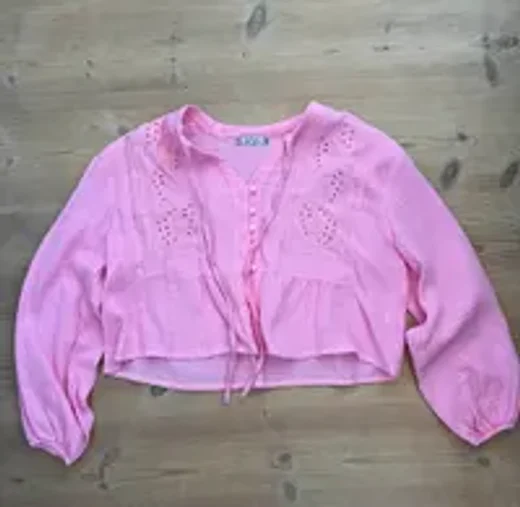
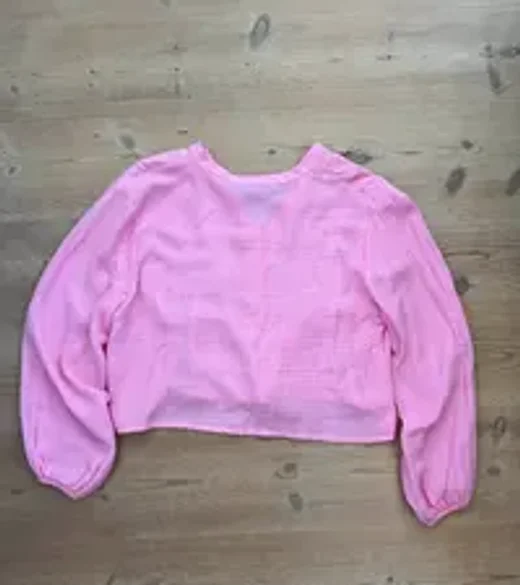
Generating packshot
Cutting out and correcting light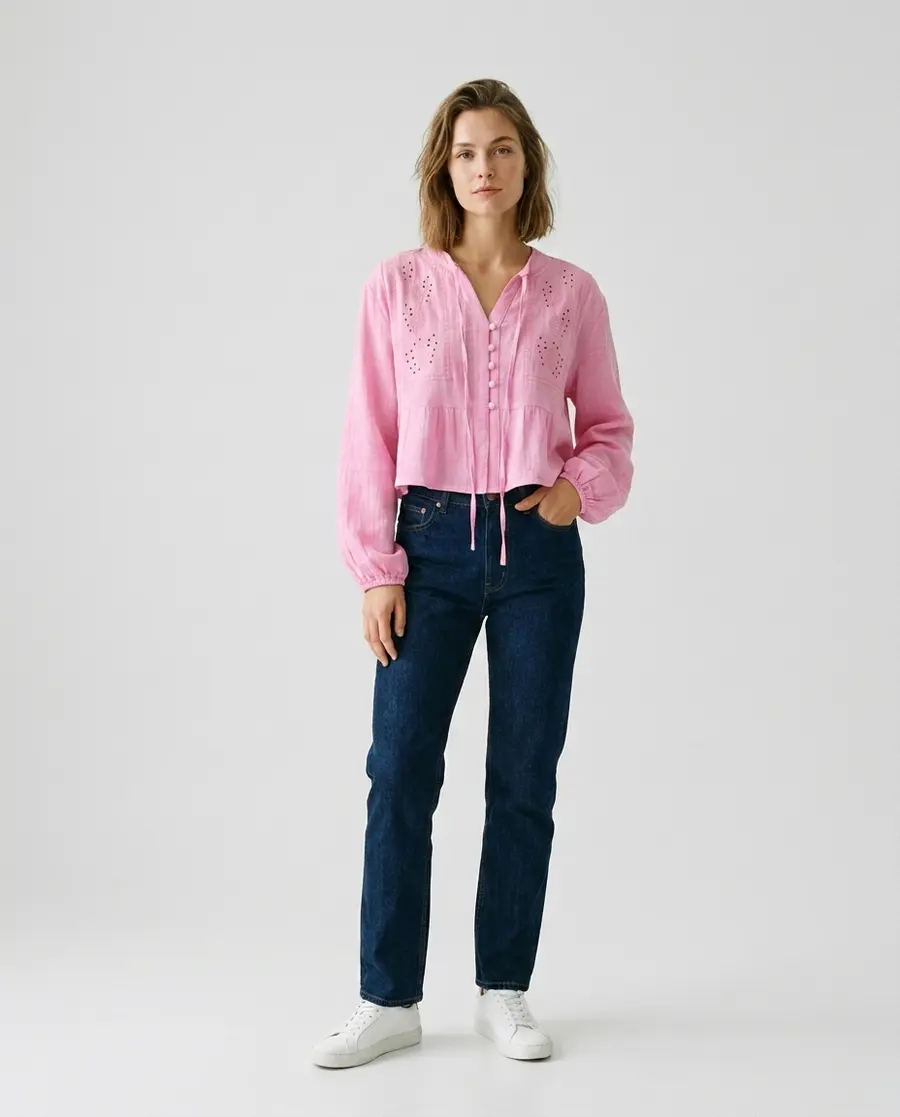
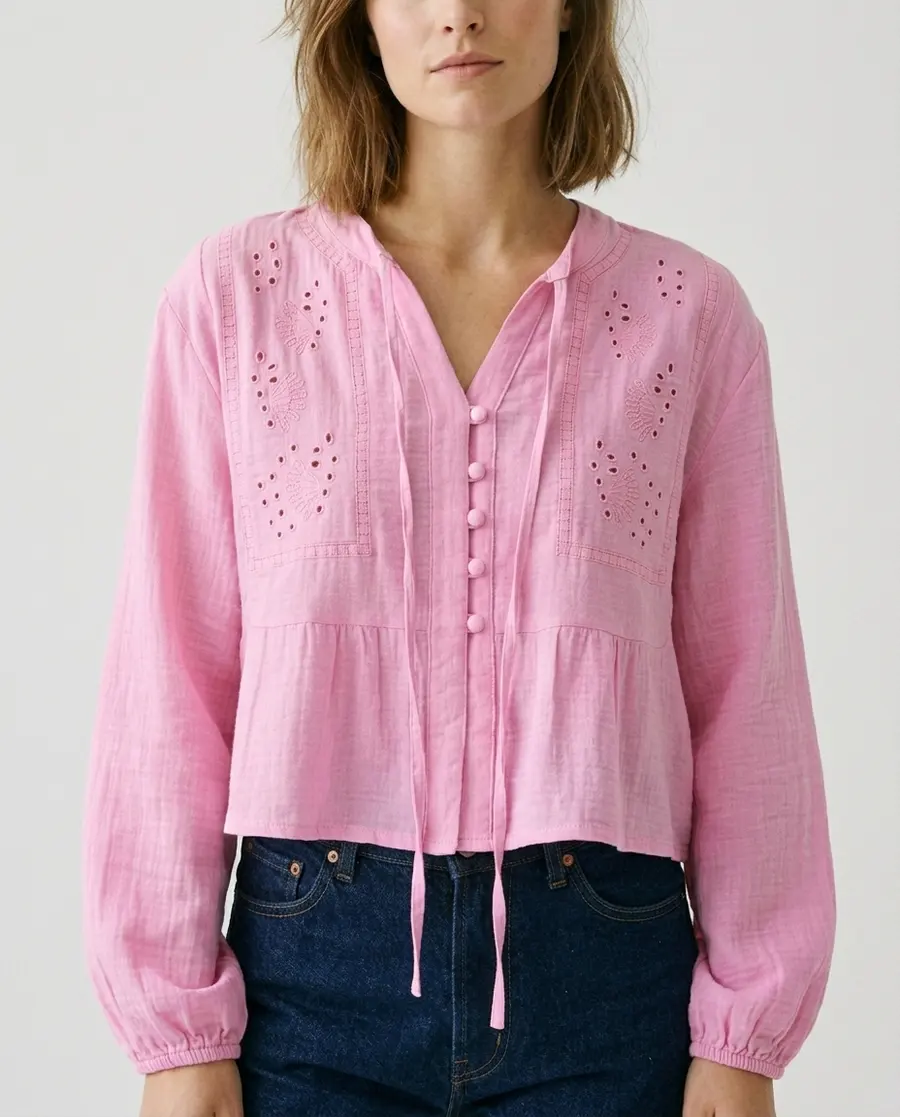
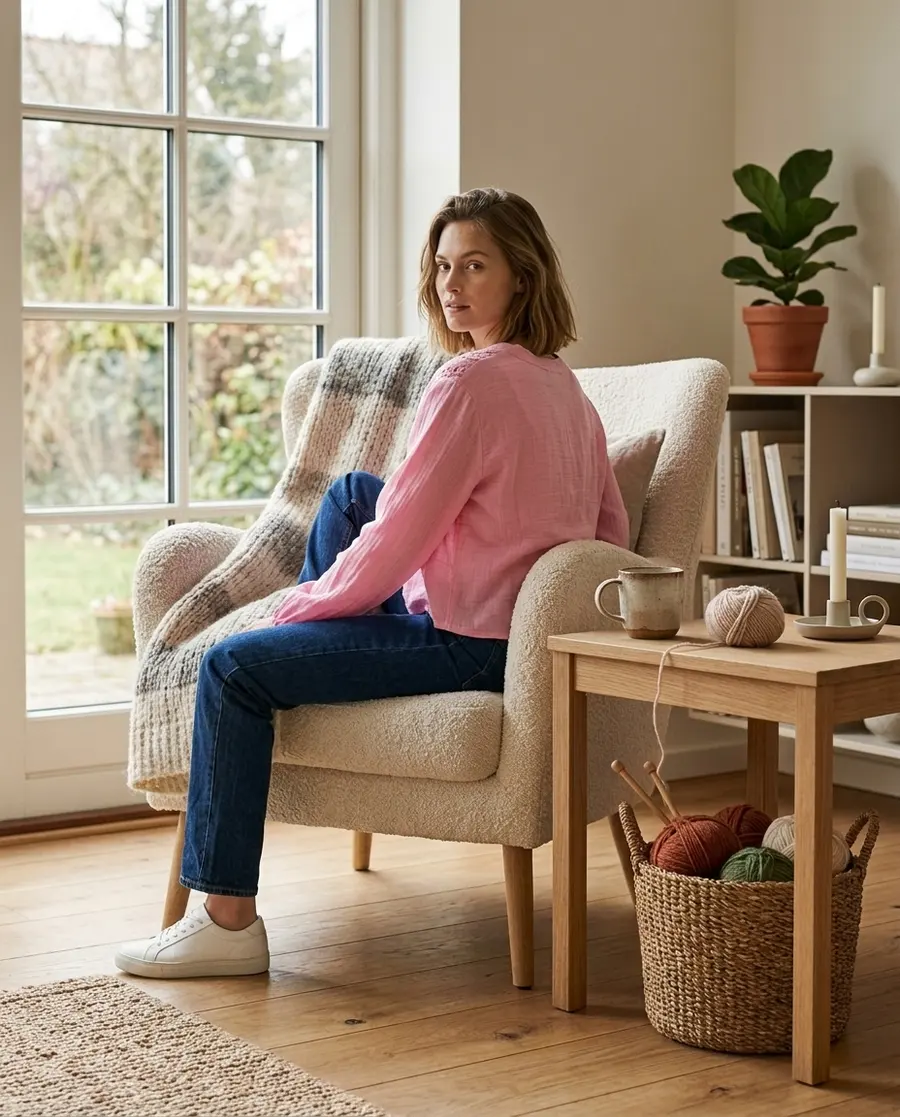
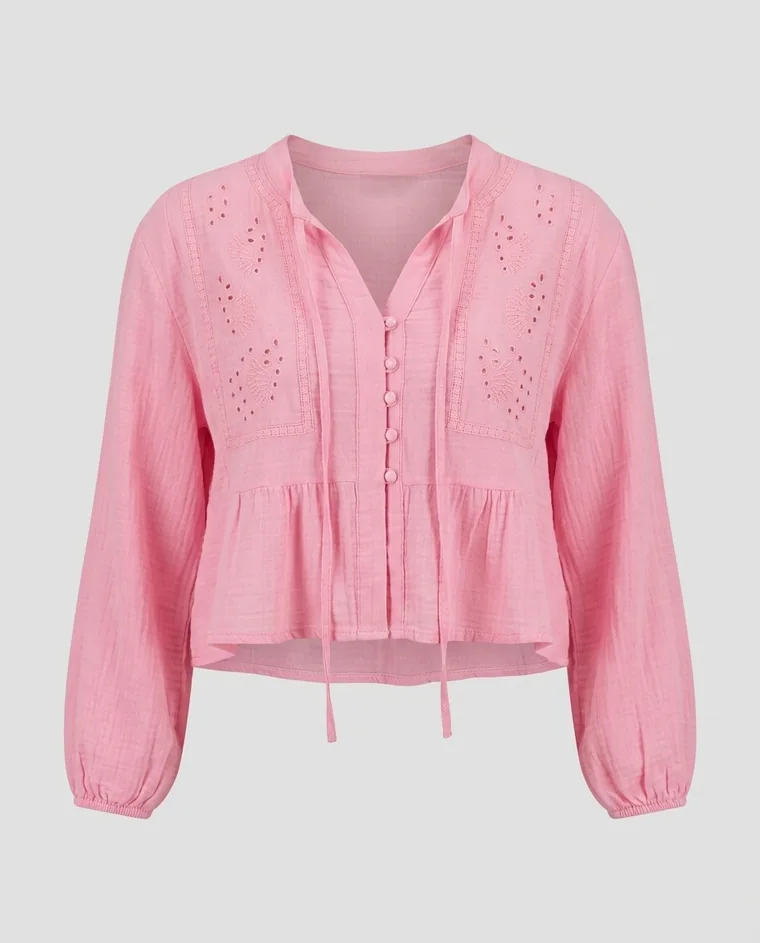
Embroidered blouse, pink
Light pink blouse with fine embroidery details, a round neck and long sleeves. A feminine layer that suits both everyday and dressed-up looks.
- Soft, airy fabric with broderie anglaise
- Tie belt at the waist and elastic at the cuffs
PackshotWhat it does
- From product photo to packshot, model, campaign or scene, including a batch per camera angle in one click.
- Colour swaps on solid colours, interactive fine-tuning and full version history with undo.
- Short 5 or 10 second video clips from a start and end frame, with control of motion and scene.
- A model library of saved personas and an outfit builder that layers multiple garment references in the right order.
Works with
We connect to what you use. The systems below are examples, not a fixed list, and are set up per customer.
Nothing goes out unapproved
All generated content goes through a pipeline of pending, approved and rejected. Only approved content is exported on to your PIM and media bank.
How we handle AI generated material
Transparency matters to us. The digital marking that shows where the content came from stays in the files themselves, so it travels with them into your systems. And we keep our page on the requirements for AI generated content up to date, so you can look the questions up as they come. Responsibility for what is published always sits with whoever publishes it.
See the rules for AI generated contentUsed in, among others
See your own products become finished content.
In 30 minutes we show you the skill with your own systems and data.